Product Update - January 2026
With the start of 2026, we’re kicking off the year with a set of upgrades and fixes designed to improve usability, accessibility, and overall workflow efficiency. These updates include document support in Mediabank, improved focus handling for accessibility, refreshed contact cards, expanded subtitle language support in Screening Room, and multiple fixes across tags and video playback.
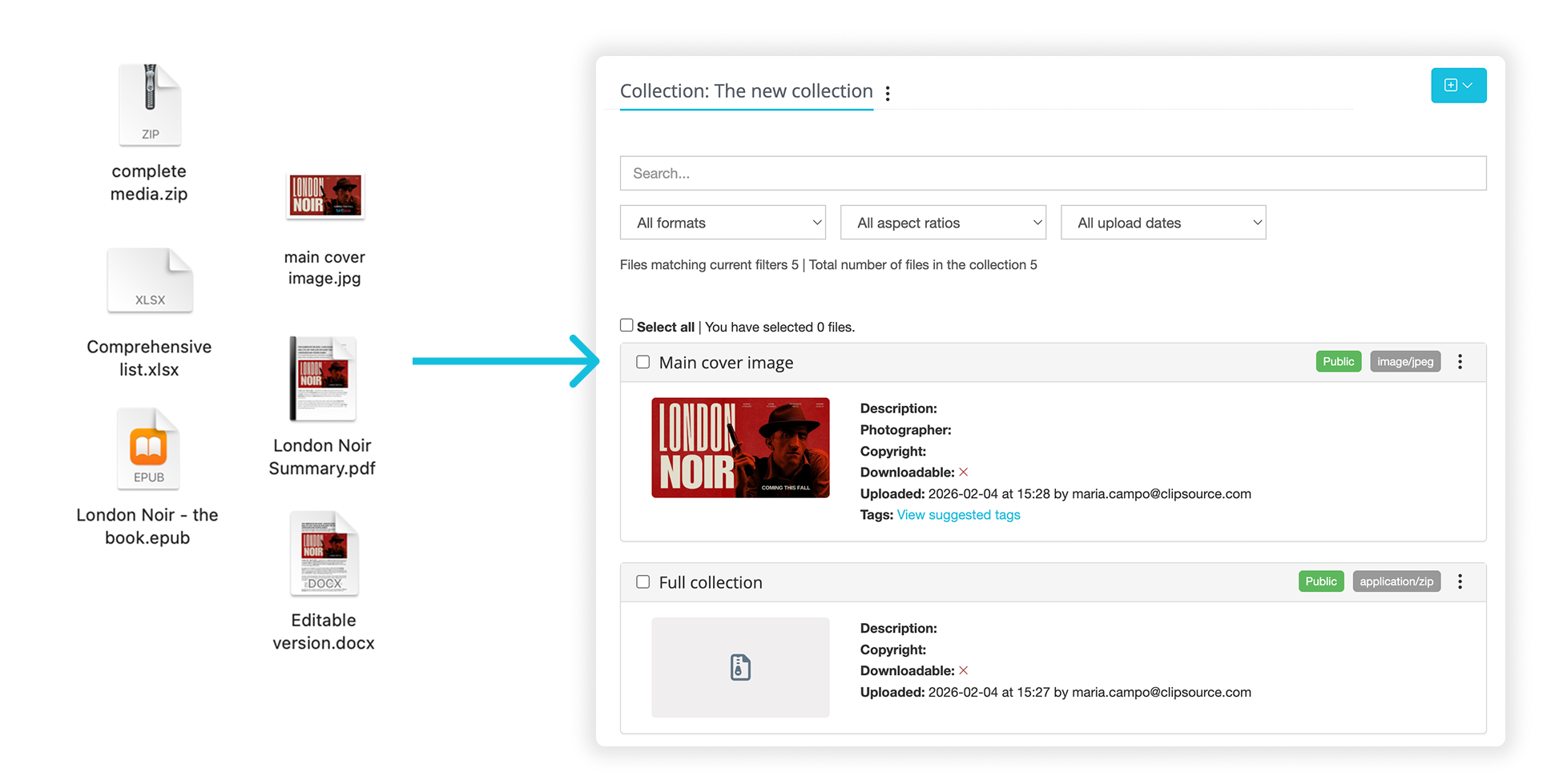
Mediabank now supports documents and files
Mediabank is no longer limited to media files only.
You can now upload and distribute documents and generic file types — such as PDFs, ZIP files, Word documents, Excel sheets, PowerPoint files, EPUBs, and more — directly in Mediabank.
These files follow the same workflow as images and videos, including:
Access control
Metadata
Download permissions
Usage statistics
This makes Mediabank a more flexible hub for sharing supporting materials, press documents, scripts, contracts, and internal files alongside your media assets.
You can find this when logging in → Dashboard → Mediabank → Select the Workplace and Collection you want to update.
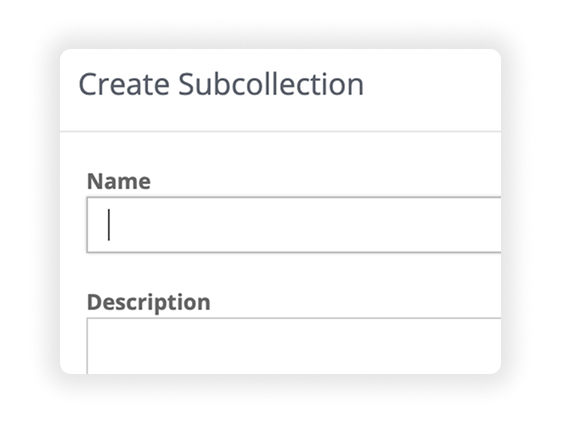
Auto-focus on title fields (accessibility improvement)
When creating something new — such as a post, collection, or page — the title field is now automatically focused.
This removes an unnecessary click and allows you to start typing immediately.
The change also improves keyboard navigation, as users can move smoothly between fields using the Tab key.
This update is part of our ongoing WCAG accessibility improvements, making everyday workflows faster and more accessible.
You can find this across the entire platform, anywhere you need to input text fields.
Contact cards: new & improved design
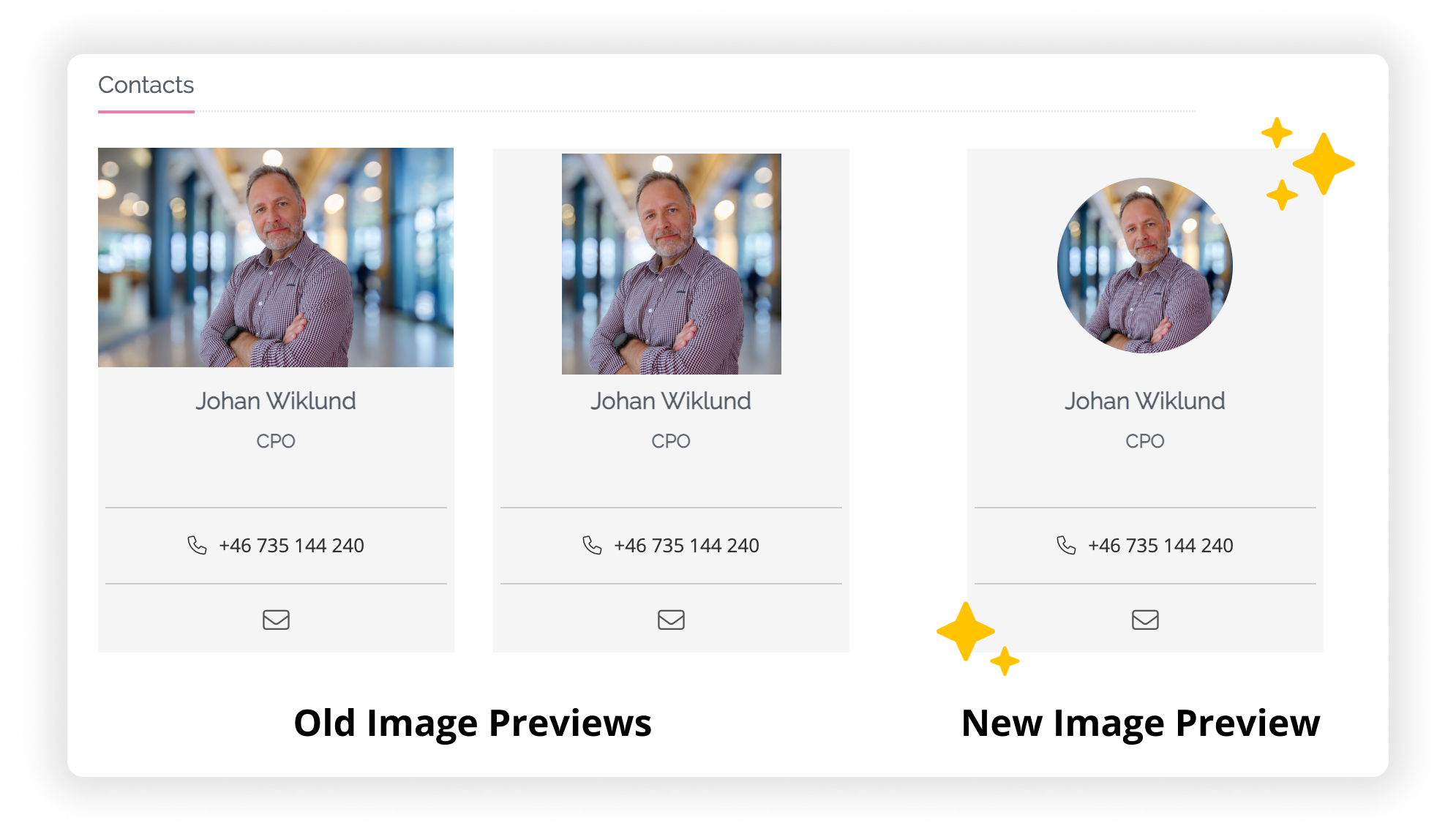
We’ve started updating the contact card functionality in Admin.
As a first step, ALL contact images are now displayed in a round format, improving visual consistency and making profile photos look better regardless of original image orientation.
This update:
Improves overall usability
Creates a more consistent visual standard
Lays the foundation for further contact card enhancements
Tip: For best results when cropping profile photos, we recommend using the Square aspect ratio in the image cropper.
You can find this under all press releases with contact cards. To update, change or add new contact cards, log in → Dashboard → Media Center → On the left menu, select Contact Cards and choose to update or add.
New languages supported in Screening Room subtitles
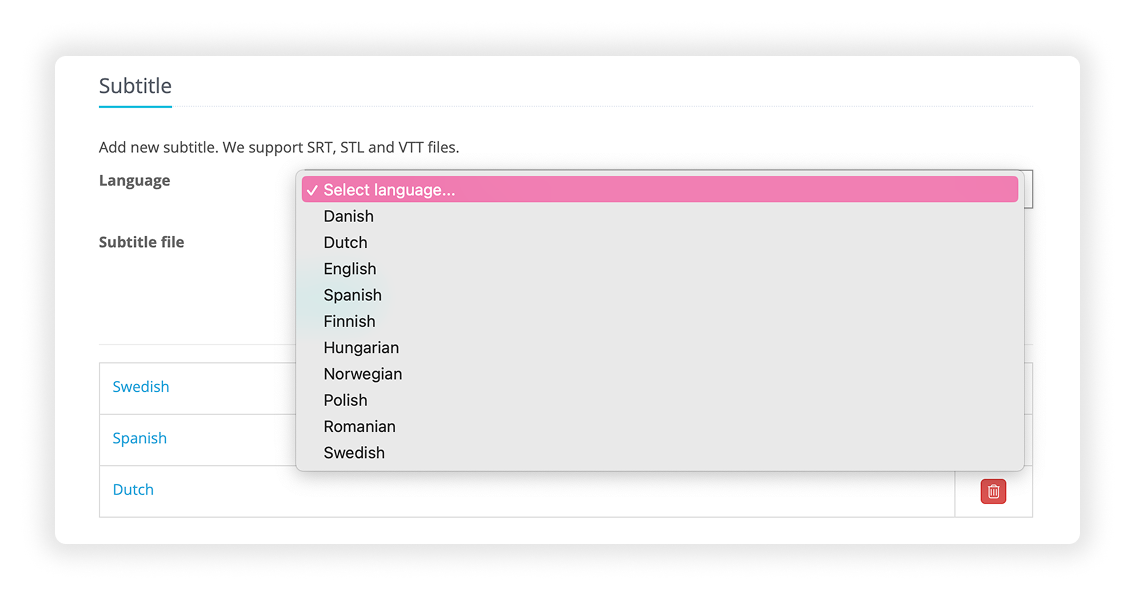
As our customers grow, we’re evolving with them. Based on their requests, we’ve expanded subtitle language support in the Screening Room.
In addition to the existing languages, we now support:
Dutch
Polish
Romanian
Hungarian
These join the previously supported languages: Danish, English, Finnish, Norwegian, Spanish, and Swedish. This allows teams to correctly label and manage subtitles for a wider range of audiences when uploading screeners.
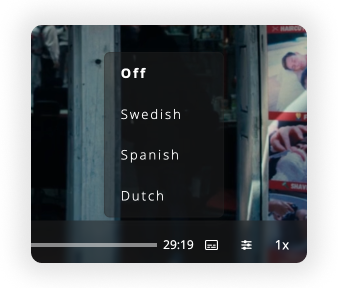
Video player: subtitle language remembered
The video player will now remember your selected subtitle language.
If you choose a subtitle language while watching a video, that preference will be kept for future sessions — so you don’t have to reselect it every time.
You can find this anywhere you watch a video across our entire platform and subtitles are available.
Bug fixes and improvements:
Tags now work with non-Latin languages
We’ve fixed an issue where tags using non-Latin character sets could return a 404 error.
Tags now work as expected across all languages, including languages such as Bulgarian and others using non-Latin alphabets.
All tag connections now visible
The Tag connections modal in Admin now shows all related content, including unpublished assets.
Previously, the list could be incomplete due to a technical limitation, which sometimes caused confusion. This has now been resolved, giving you a complete and accurate overview of where each tag is used.
Full tag management is available when logging in → Dashboard → Left menu → Tags, where you can create, edit and clean up your tags.
That's all folks! As always if you have any questions, we got your back over at support@clipsource.com