
It's Tuesday, 8:47. Three premieres land this week. A journalist in Madrid wants the Spanish synopsis and a screener that actually plays on her phone. A creator your social team loves is asking for a vertical clip. Legal just moved Thursday's embargo by two hours. And somewhere out there, a screener link from last spring is still being forwarded to people you've never met.
Welcome to PR for TV and streaming. We first wrote about this "multitasking reality" a few years ago. Spoiler: it didn't calm down. It just opened more tabs.
Here's what changed, and what actually helps.
1. There are more titles than there are hours
Originals, acquisitions, library titles, live sports, FAST channels, linear schedules. Many teams now launch the same series in several markets, on different dates, in different languages, with different talent available for press.
Every one of those titles deserves a fair shot at coverage, not just the two tentpoles with the big campaign budget. Plenty of viewing happens in the long tail, yet it rarely gets a press plan. That's not a lack of ambition. It's a lack of hours.
2. Your audience isn't just "the press" anymore
Journalists and critics still matter enormously. But they now share the queue with creators, podcasters, newsletter writers, partners, EPG and metadata teams, and colleagues in other markets who need the same material, preferably yesterday.
Then there's the newest reader of your press room: search engines and AI assistants. When someone asks a chatbot what's premiering this weekend, the answer is built from whatever information it can find. If your official pages are thin, outdated or locked inside a PDF, someone else's description of your show fills the gap.
3. The pile of material keeps growing
For a single season you might be juggling trailers and teasers, clips cut for different platforms, episodic stills and posters, synopses in five languages, cast bios, schedules and screeners. Each item has a version history, a rights window and a list of people who should (and shouldn't) see it.
When all of that lives in a DAM here, a shared drive there and a contact list somewhere else, small mistakes become very visible ones: the wrong episode description in a TV guide, last year's posters in a review, the screener that ends up where it shouldn't.
4. Control matters more than ever
Pre-release screeners are among the most valuable things a PR team hands out, and the easiest to lose track of. Embargoes need to hold across markets and time zones. Access needs to end when the campaign does. And you want to know who actually watched, not just who got a link.
So, what helps?
Superpowers are still back-ordered. What helps is fewer places to work.
The teams that cope best have moved the whole launch into one place: program information, assets, screeners, press releases and contacts, connected instead of copied between tools. Write once, publish once, send once, and see what happened.
That's exactly what Clipsource is built for. Here's how it looks day to day:
One source of truth for every title. Program Catalog keeps title, season and episode data and media together, so the synopsis in your press release, your schedule and your TV guide feed is the same synopsis.
A press room on your own brand. Media Center gives journalists a branded home on your own domain for press releases, images, clips and schedules, with access control so the right people see the right material. Search & AI Optimization and SEO titles and descriptions per post help search engines and AI assistants find your official version of the story.
Screeners people actually watch. Screening Room delivers HD screeners on any device, with watermarking, expiring Magic Links and viewing statistics. Journalists can even pick up where they left off on another device.
Schedules without the spreadsheet panic. Linear, FAST and VOD schedules are validated, enriched from Program Catalog and shared with partners and press.
Coming soon: an AI assistant that does the digging
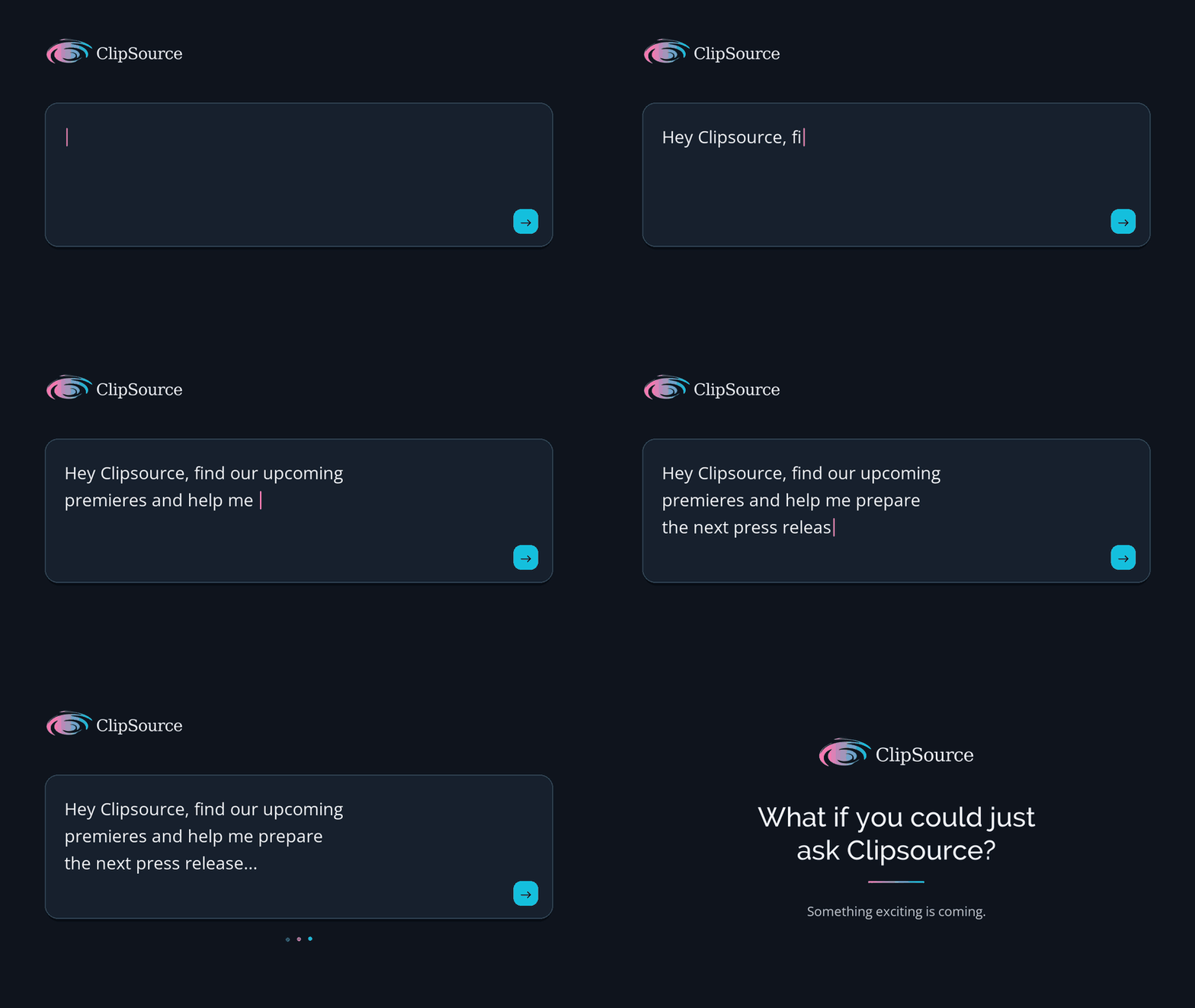
Clipsource MCP is on its way. It lets teams connect their own AI assistant to Clipsource, ask something like "find next week's premieres and prepare a press release draft for the program I select," and get a solid draft to start from.
The assistant drafts. People review and publish inside Clipsource. That's by design: your team stays in control of everything that goes out under your name.
The multitasking isn't going away. The scramble can.
New platforms, new formats, new readers. None of that is slowing down. But if your launch week currently runs on six tabs, three tools and one very tired press team, we'd love to show you what it looks like in one place. Book a 20-minute call here or say hi at sales@clipsource.com